
Install Symbiotic Code now
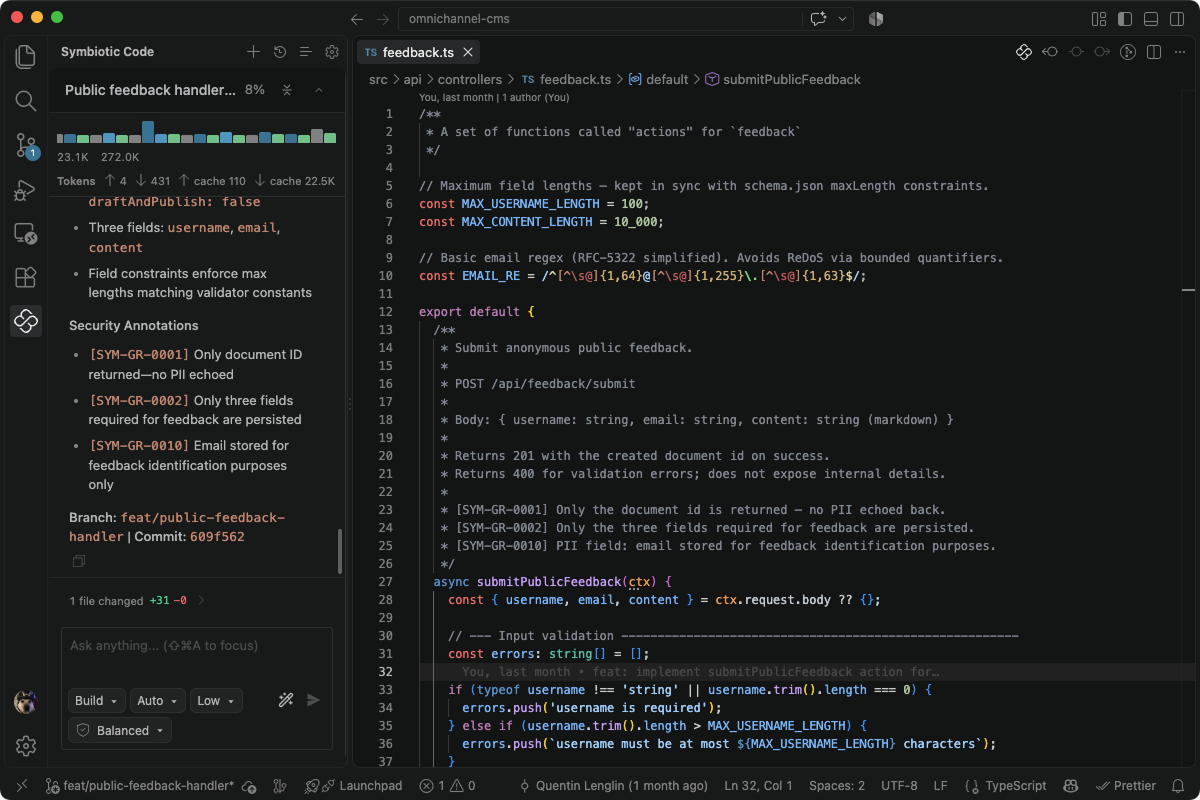

IDE extension
Install the Symbiotic Code extension in your VS Code editor. Works on all VS Code forks (Cursor, Antigravity, Devin, ...)

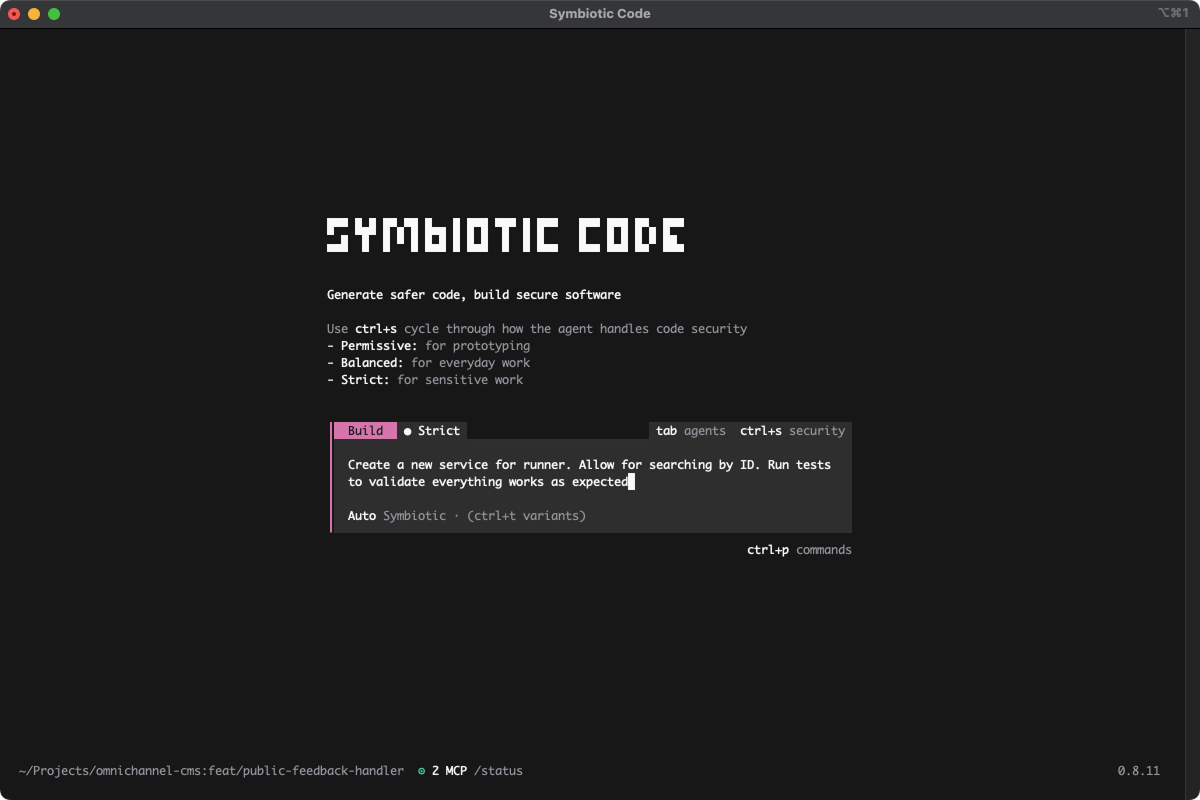
Terminal
Install the Symbiotic Code CLI to generate secure code directly from your terminal.
npm i -g @symbioticsec/codeWant to invite your team first? Create your organization
Symbiotic Code is free for personal use and for teams of up to 10 developers. No feature limits, no time limit: you get the full product, sized for small teams.
A free model is included so you can install and see the harness work on everyday coding tasks within minutes. When you're ready for heavier work, bring your own keys and run Claude, GPT, Gemini, or any model you already pay for.
Help & resources
Will this slow my developers down?
The opposite. In practice, security runs at generation time, so code arrives clean on the first pass: fewer review loops, no scan-fix-regenerate cycle, no rework tickets.
What's the difference between a coding harness and a coding agent?
An agent writes code. A harness runs the agent inside a loop you define: policies applied before generation, verification after, and a sandbox around every action. Symbiotic Code is the harness; the models are whichever you pick.
Does it work on code my team writes by hand?
Yes. The IDE plugin, PR apps, and CI integration scan and fix any code in the repo, not just what the agent produced.
What happens to my CLAUDE.md, skills, and MCP servers?
They carry over as-is. Most developers are productive within a few minutes.
GENERAL
Will this slow my developers down?
The opposite. In practice, security runs at generation time, so code arrives clean on the first pass: fewer review loops, no scan-fix-regenerate cycle, no rework tickets.
What's the difference between a coding harness and a coding agent?
An agent writes code. A harness runs the agent inside a loop you define: policies applied before generation, verification after, and a sandbox around every action. Symbiotic Code is the harness; the models are whichever you pick.
Does it work on code my team writes by hand?
Yes. The IDE plugin, PR apps, and CI integration scan and fix any code in the repo, not just what the agent produced.
What happens to my CLAUDE.md, skills, and MCP servers?
They carry over as-is. Most developers are productive within a few minutes.